AI image editor for ads, posters and flyers
Planegraph pairs a full layered canvas with a design agent built like Claude Code. The agent plans the layout, sets the type, picks the colors and checks every line for contrast. You can edit any layer by hand.
Background and ornament imagery is generating on the canvas now.
I filled in placeholder details so the first draft is complete — tell me the real date, venue and age limit and I’ll drop them in.
A design agent built like Claude Code



a poster for Blackstone Coffee, open Sat 24 Oct at 48 Redchurch St
- Painting the groundDone
- Generating the illustrationDone
- Placing the typeDone
Title · Address · Date · Illustration · Paper
Plan, then build
In Edit mode, the assistant writes a brief first: which line goes in which box, the typeface and the palette. You choose from up to four directions, and the assistant builds the one you pick. Chat mode talks the design through without changing the canvas.
Layout by importance
The assistant fills a layout in reading order, biggest line first, and keeps clear margins from the canvas edges. Shared elements stay in the same place on every slide of a carousel.
Readable type
The assistant holds text to the WCAG AA contrast ratio of 4.5:1. It measures the pixels behind each line of type, then recolors the text or adds a scrim when the image is too busy.
Fonts matched to each style
Every style in our library comes with fonts matched to its weight and mood. The assistant sets each line of type in the font that fits the style.
Dozens of edits in one message
One message can recolor every headline, move the logo on every frame or rebuild a whole layout. The assistant applies the changes as one edit, and you can still nudge any layer by hand.
Images made on the canvas
The assistant generates images with Nano Banana 2, removes their backgrounds and regenerates any image layer in place.
Curated print styles
Grunge and photocopy
Grunge designs use heavy photocopy grain, distressed type and high contrast.
Ink and pen sketches
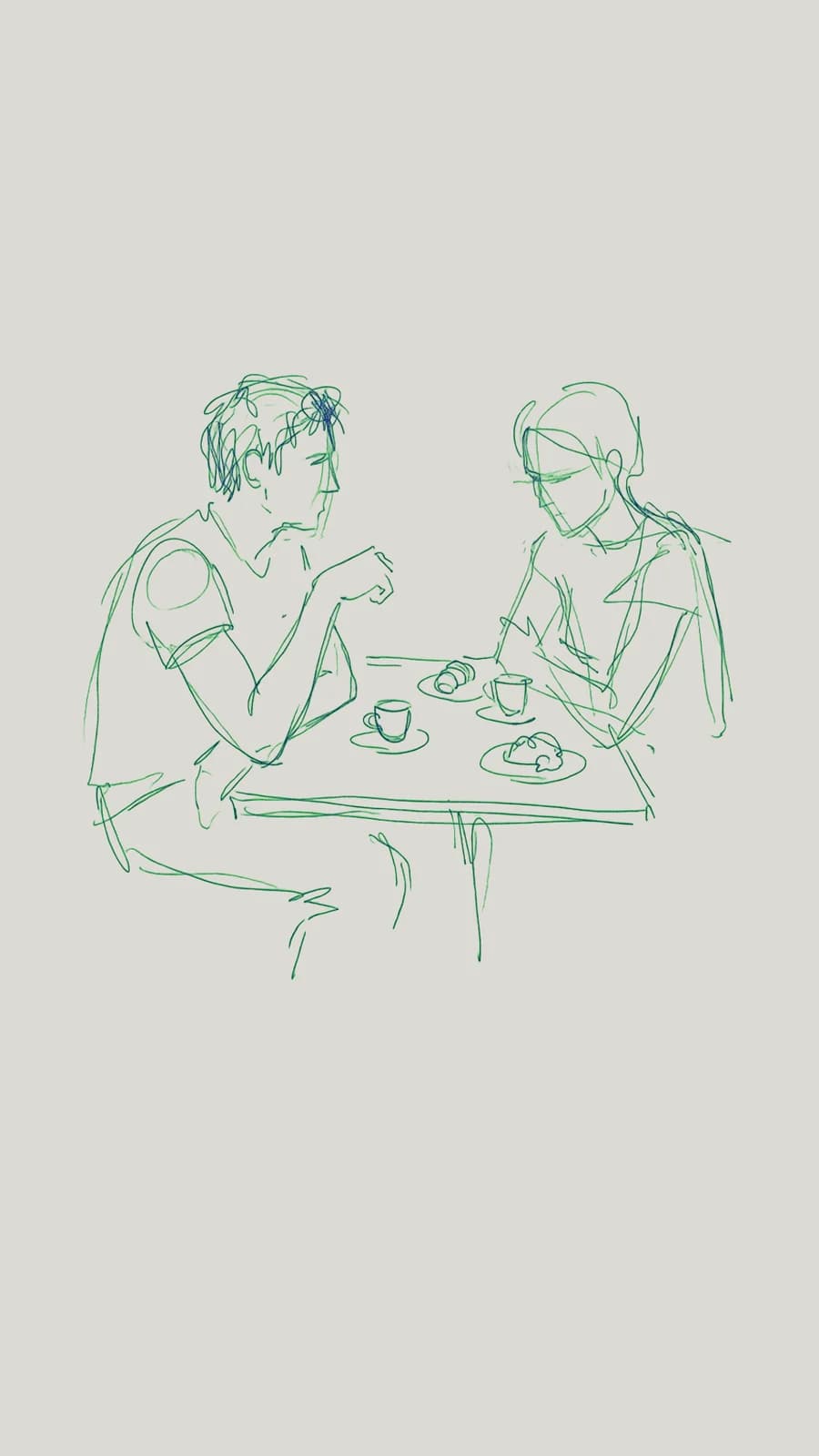
Sketch designs use ballpoint and ink lines on textured off-white paper, with type set over the drawing.
Watercolor
Watercolor designs use soft color on textured watercolor paper.
Risograph and halftone
Risograph designs use grainy two-color printing, halftone dots and lo-fi color overlays.
Mid-century and geometric
Mid-century designs use large flat shapes, sharp geometric shadows and vintage print colors.
Editorial photography
Editorial designs set type over studio fashion and cinematic photographs.
Everything you expect from a design tool
Type
- More than 80 font families
- Fill color, stroke and gradient text
- Bold and italic
- Letter spacing
- Left, center and right alignment
- Drop shadows and background blur
Images
- Masks in a rectangle, circle, triangle or text
- Crop
- Blur, brightness, contrast, saturation, temperature, tint and noise
- Opacity
- Prompt edits with Nano Banana 2
- One-click background removal
Layout
- Layers you can hide, rename and reorder
- Shapes, lines and freehand drawing
- Gradient fills
- Move, resize and rotate any layer
- Several frames on one board
Sizes and export
- 9:16, 1:1 and 16:9
- Instagram carousels and TikTok slideshows
- PNG export at 1080p, 2K or 4K
- Every frame at once, as a .zip
Layer-by-layer editing
Prompt edits on one layer
Select an image layer and describe the change. Nano Banana 2 edits that layer and leaves the other layers as they are. The Fast option handles quick edits.
Background removal
Remove the background from a product or a person in one click. The cutout stays on its own layer.
More than 30 AI models
Generate has more than 30 AI models, including GPT Image 2, Seedream 4, Nano Banana 2 and Imagen 4. Each image you make appears in your assets. You can add it to a design as a new layer.
Manual text and color edits
Headlines, colors and positions are layers you can edit by hand. Manual edits apply instantly and use no credits.
Free to start
- Free
- The canvas, every editing tool and every font.
- 10
- Design assistant messages a month on a free account, shared with the Workflow assistant.
- No watermark
- Free accounts export every design as PNG, up to 4K.
What you can design
Build a poster as separate layers for the background, the cutout, the headline and the credits. Every layer stays editable in the image canvas.
Lay out every slide of an Instagram carousel or a TikTok slideshow on one board. Export all the frames as a .zip from the AI image editor.
Remove the background from a product in one click. Place the product on a background made with AI image generation.
Set headlines in more than 80 font families, with alignment, shadows and opacity, in the design editor.
Cut a photograph to the shape of a headline or a vector shape. Both layers stay editable in the AI image editor.
Export a finished layout as a PNG and add it to a video in the video editor.
Fix the type and layout of an ad you made with Ad Remix. Ad Remix rebuilds a live ad around your product.
Frequently asked questions
How does Planegraph avoid generic AI images?+
We curate print styles, including grunge and photocopy textures, ink and pen sketches, watercolor, risograph and halftone prints, mid-century geometry and editorial photography. Planegraph’s design assistant selects the style that fits and builds your design in it, with real type on top.
How does the AI design assistant work?+
You describe the design in plain text. In Edit mode, the assistant writes a brief first: which line goes in which box, the typeface and the palette. You choose from up to four directions, and the assistant builds the one you pick as separate layers of type, shapes, masks and generated images. It checks the contrast of each line of type as the images land. Every layer stays editable, so you can move a headline or change a color by hand. Chat mode talks the design through without changing the canvas.
Can the design assistant make many edits at once?+
Yes. One message can change dozens of layers, such as every headline color or the logo position on every frame of a carousel. The assistant applies the changes as one edit. You can also select a single layer and adjust it by hand.
Does the assistant check that text is readable?+
Yes. The assistant holds text to the WCAG AA contrast ratio of 4.5:1. It measures the pixels behind each line of type, then recolors the text or adds a scrim when the image behind it is too busy.
How does Planegraph compare with Figma or Canva?+
The canvas has the tools you know from Figma and Canva: layers, type, shapes, masks, filters and a details panel. Planegraph adds a design agent built like Claude Code. The agent plans a whole composition, builds it in one run, checks the contrast of every line and makes dozens of edits from one message. A run can take several minutes to finish. You can watch the assistant work and step in at any point.
Can I edit one part of a design and keep the rest?+
Yes. Every part of a design is its own layer: the background, the product, the headline and the small print. You can edit a layer with a prompt, remove its background, or change its text and color by hand. The other layers stay exactly as they were.
Can I make carousels and slideshows?+
Yes. A design can hold several frames on one board, in 9:16, 1:1 or 16:9. You can lay out every slide of an Instagram carousel or a TikTok slideshow together and export all the frames as a .zip of PNGs. The assistant keeps shared elements in the same place on every slide.
Is the AI image editor free?+
Yes. The canvas, every editing tool and every font are free in the browser. Free accounts get 10 design assistant messages a month, shared with the Workflow assistant, and can export every design with no watermark. Paid plans add more messages and monthly credits for AI image generation.
Which AI models can I use?+
Nano Banana 2 generates and edits layers in the image editor. The Fast option handles quick edits, and background removal takes one click. Generate has more than 30 AI models, including GPT Image 2, Seedream 4, Nano Banana 2 and Imagen 4. Each image you make in Generate appears in your assets, and you can add it to a design as a layer.
What editing tools does the canvas have?+
The canvas has text with fill color, stroke, gradients, bold, italic, letter spacing and alignment. It has shapes, lines, freehand drawing, gradient fills, drop shadows and opacity. Images get masks, crop and filters for blur, brightness, contrast, saturation, temperature, tint and noise. A mask cuts an image to the shape of a headline or a vector shape. You can reorder, hide and rename layers. Background removal and image generation run in the same document.
What fonts can I use?+
The canvas includes more than 80 font families, from editorial serifs and grotesques to display faces and hand-lettered styles. The assistant sets each block of type in a font matched to the style. You can change the typeface on any text layer.
Do I need design experience?+
No. You can describe what you want, and the assistant composes the design in one of our curated styles. The full editing tools are there when you want to edit by hand.